
A project by Benson LuIn development
SpeechKing
Listen to text. Keep your place.
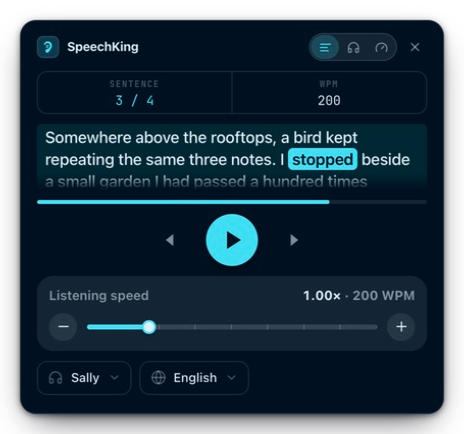
SpeechKing is a text-to-speech app for Mac that reads aloud and highlights each word as it’s spoken. Listen in a floating reader, or follow along inside Chrome.
- Made for
- Apple Silicon Macs
- Requires
- macOS 14 or later
- Speech processing
- On your device
Listening, without losing the thread.
Text to speech is useful. Being able to find your place again is just as useful. SpeechKing brings the voice and the words together, so you can listen, follow along, and return to a sentence when you need to.
01 / Follow along
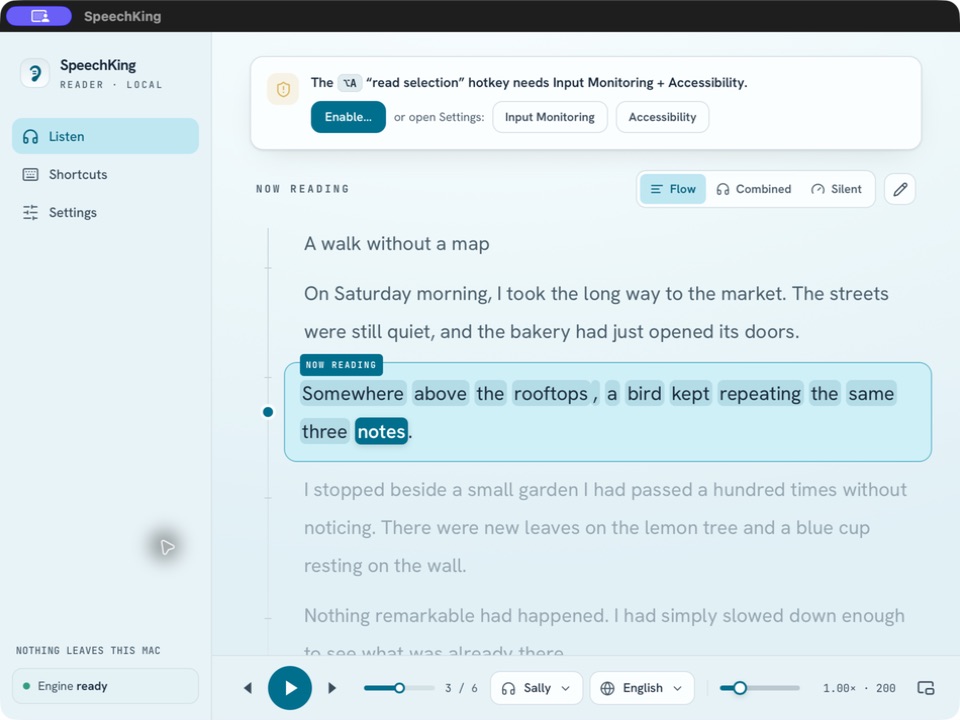
The words move with the voice.
The current sentence stays in view, and each word is highlighted as it is spoken. Pause to take something in, move between sentences, or change the listening speed.
02 / Stay on the page
Keep browsing. Let the page speak.
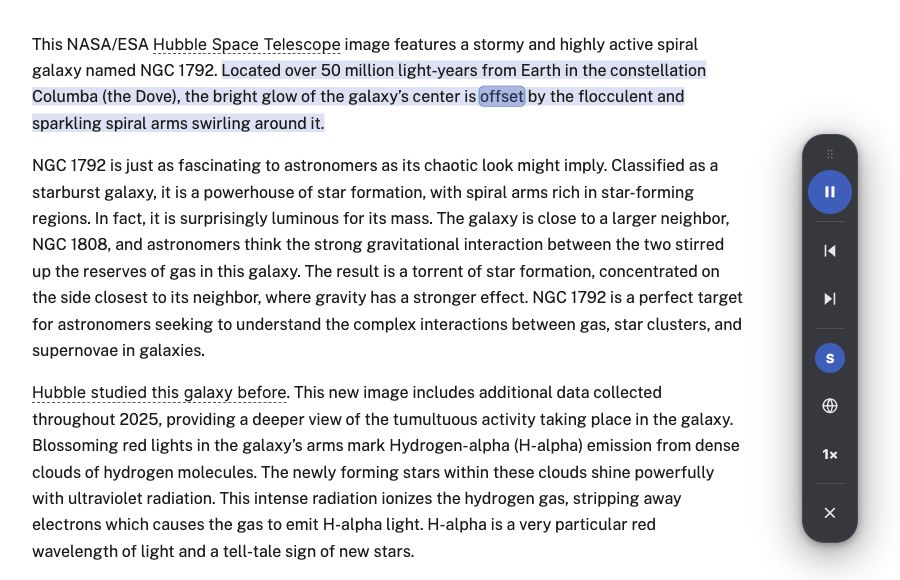
Select a passage in Chrome and press Listen. SpeechKing reads it through the local Mac app while the words are highlighted right on the page. Pause, change the voice or speed, and move between sentences from the floating controls beside the article.
The Chrome extension is a development preview and requires the SpeechKing Mac app to be running.

Demo article: NASA — Hubble Spots a Storm of New Stars (opens in a new tab)
03 / Keep it close
A reader with a smaller footprint.
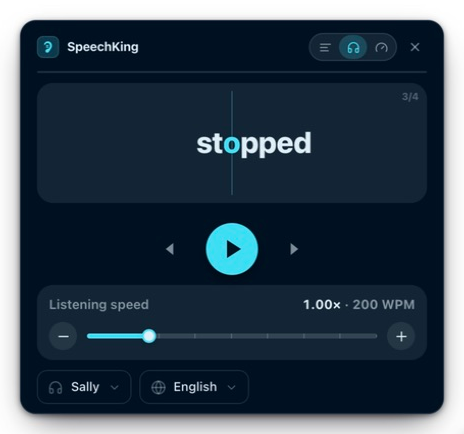
Bring up the floating panel when you want the reader nearby. Flow keeps the sentence visible. Combined pairs audio with a single-word display, while Silent lets you read at your own pace without audio.
04 / On your device
Speech, generated on your Mac.
The engine and voice models download during setup. Once they’re ready, speech is generated locally. Paste a passage or open a text file to begin; reading selected text across apps also needs the relevant macOS permissions.
What’s next
Still building, still listening.
SpeechKing is still in development, with public release plans to come. In the meantime, I’d love to hear how you use reading and listening in your day.
Ask me about SpeechKing